
Simple & Intermediate Object Removal in Photoshop
Follow along through 5 examples where you’ll master the fundamentals of object removal in Photoshop. Learn how to use the Healing Brush, Spot Healing Brush, Clone Stamp Tool, Content-Aware, and the Brush Tool to clean up any photo.
Course Content
Simple Object Removal
Intermediate Object Removal
Downloads - Simple & Intermediate Object Removal in Photoshop
Reviews
Write a review
Only logged in and enrolled users can post reviews.
This course does not have reviews
Hi . Thanks for checking out the 2026 Photography Path To Mastery!
Download Access is limited to VIP Pass holders who have purchased the Download Access Pass.
VIP Pass
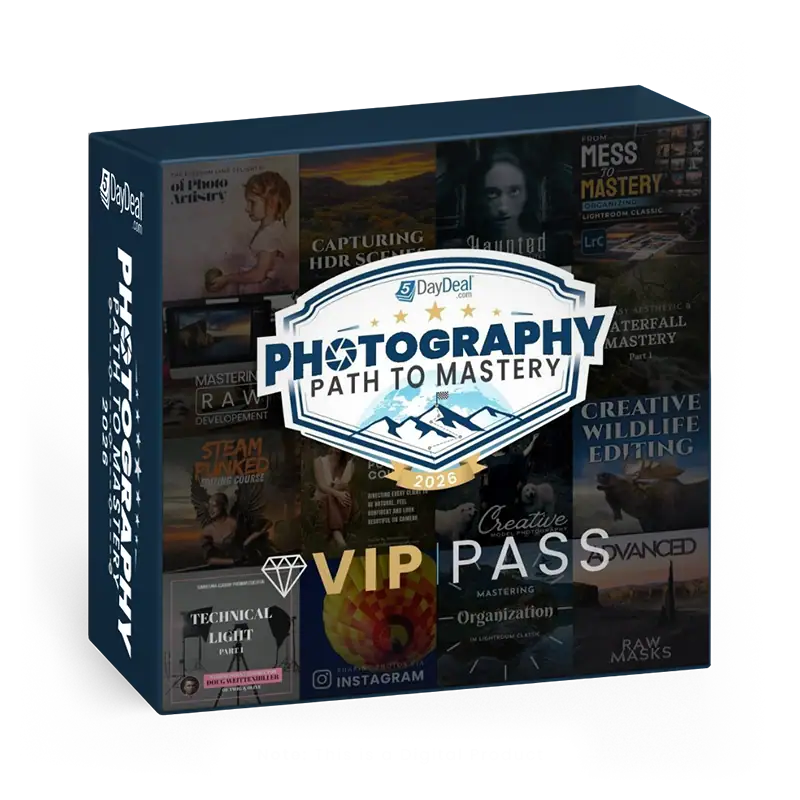
Your ability to get the VIP Pass ends in:
$1680 Value
ONLY: $78
Goes away on May 19th at Noon Pacific Time!
- Lifetime Steaming Access to the Photography Path To Mastery 5DayDeal
- Exclusive Extras and Bonuses – Download presets, tools & exercise files. (Does NOT include tutorial videos downloads).
- 20+ High Quality Courses
- $1,680+ in retail value
- Discounted 95%+
- You Save $1600+
+
Add the Download Access Pass for the 2026 Photography Path to Mastery 5DayDeal
$1680 + $60 Value
ONLY: $97
- Get Everything listed above plus Download all the Video Tutorials included in the 2026 Photography Path to Mastery 5DayDeal.