
One Hour Smartphone Photography Workshop
The One Hours Smartphone Photography Workshop starts with smartphone camera familiarization. I demonstrate hidden features, including tap the screen to focus, swipe to change brightness, explain how the lens array works, explore computational photography and how that impacts the Portrait Mode and Live Photo Mode. Although these last two features are iPhone-specific, the workshop is just as relevant to any smartphone.
Next, I spend a little time exploring photographic intention and composition.
The last section of the workshop is demonstrating a basic editing workflow on Snapseed and then a more advanced Lightroom Mobile workflow.
Course Content
Reviews
Write a review
Only logged in and enrolled users can post reviews.
This course does not have reviews
Hi . Thanks for checking out the 2026 Photography Path To Mastery!
Download Access is limited to VIP Pass holders who have purchased the Download Access Pass.
VIP Pass
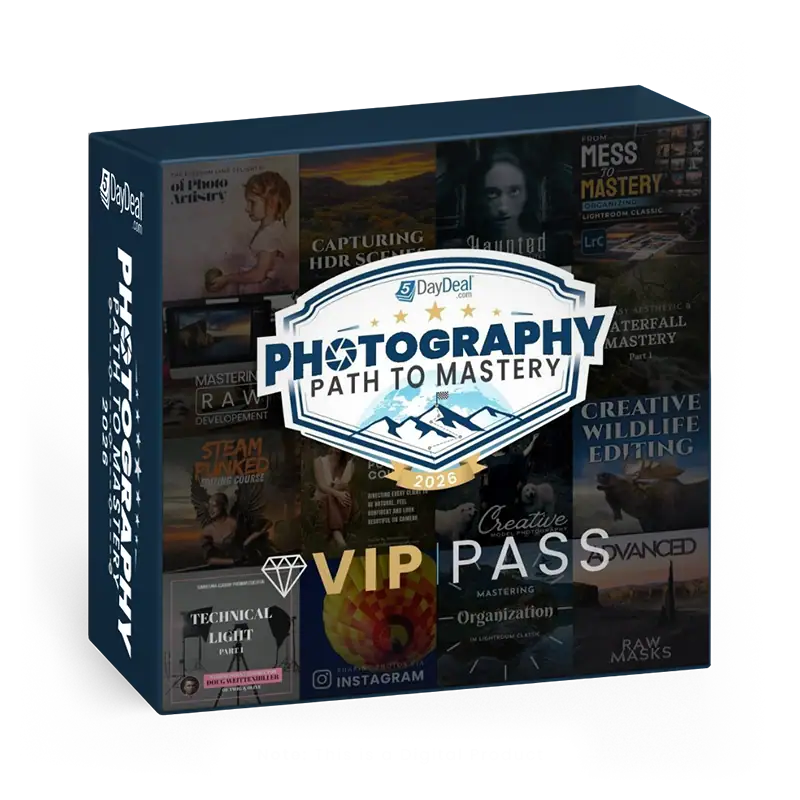
Your ability to get the VIP Pass ends in:
$1680 Value
ONLY: $78
Goes away on May 19th at Noon Pacific Time!
- Lifetime Steaming Access to the Photography Path To Mastery 5DayDeal
- Exclusive Extras and Bonuses – Download presets, tools & exercise files. (Does NOT include tutorial videos downloads).
- 20+ High Quality Courses
- $1,680+ in retail value
- Discounted 95%+
- You Save $1600+
+
Add the Download Access Pass for the 2026 Photography Path to Mastery 5DayDeal
$1680 + $60 Value
ONLY: $97
- Get Everything listed above plus Download all the Video Tutorials included in the 2026 Photography Path to Mastery 5DayDeal.