
Instagram Reel Export Settings
Unlock stunning video quality on Instagram with my proven technique. Say goodbye to ugly compression and hello to high-quality uploads. Get step-by-step guidance through the process in my exclusive video, which reveals my professional secret for achieving top-notch videos on Instagram using Davinci Resolve. Enhance your online presence and impress your followers today!
Course Content
Hi . Thanks for checking out the 2026 Photography Path To Mastery!
Download Access is limited to VIP Pass holders who have purchased the Download Access Pass.
VIP Pass
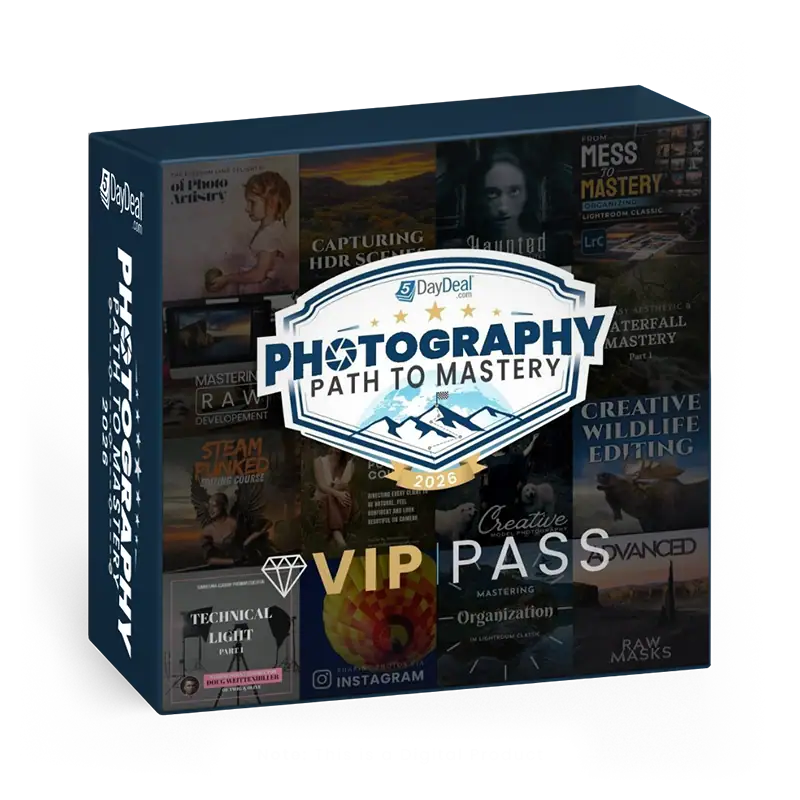
Your ability to get the VIP Pass ends in:
$1680 Value
ONLY: $78
Goes away on May 19th at Noon Pacific Time!
- Lifetime Steaming Access to the Photography Path To Mastery 5DayDeal
- Exclusive Extras and Bonuses – Download presets, tools & exercise files. (Does NOT include tutorial videos downloads).
- 20+ High Quality Courses
- $1,680+ in retail value
- Discounted 95%+
- You Save $1600+
+
Add the Download Access Pass for the 2026 Photography Path to Mastery 5DayDeal
$1680 + $60 Value
ONLY: $97
- Get Everything listed above plus Download all the Video Tutorials included in the 2026 Photography Path to Mastery 5DayDeal.
Student reviews
Written by students who have finished this course.
I have an iPhone 11 Pro Max and I can shoot 60fps HD or 4K 30fps, but Instagram allows 1080p 30fps, and I do speed ramps, so I am confused. He said to shoot at 4K; shooting at 4K 30fps versus 60fps HD. I would love it if he explained that in the video, because the course is too short and I’m sure he could mention this sort of thing. What about landscape shots: how can we shoot and export those? Or showing post-production examples.

My expectations were met. 🙂
Reviews come from students who completed this course. Log in to leave yours.
Need help with this course? Reviews are not actively monitored by support. If something will not download, play or unlock, tell us directly and we will sort it out.
Contact us
Tricks that improve your work.